Running a home care business through the Support at Home transition means juggling a lot of moving parts, and claiming is one place where small shortcuts can cause outsized headaches later. Most of the reconciliation issues we see trace back to actions taken outside of the Lookout supported claiming workflow. All of them easy to avoid once you know what to look for. Here's what to do instead, and what's coming to make claiming even more straightforward.
Why do claiming reconciliation issues happen?
Lookout's claiming workflow is built to keep one continuous, verifiable record: from the invoice you generate, through the claim file, to the Payment Determination that comes back from Services Australia. Reconciliation issues almost always start when that chain gets broken somewhere. A file gets edited outside Lookout, or a claim gets submitted somewhere Lookout can't see it.
What's the supported way to claim through Lookout?
Four steps, run entirely through Lookout:
- Process the claim through Lookout's standard claiming workflow.
- Upload the claim file to Services Australia exactly as Lookout generates it.
- Download the Payment Determination file from Services Australia.
- Upload it into Lookout exactly as received, with no edits.
Following this loop keeps your finance and operations data lined up automatically, with no manual reconciliation required.
Can I edit a claim file before uploading it to Services Australia?
No. If something in the claim looks off, fix it at the source: correct the invoice in Lookout and regenerate the file, rather than editing the export directly. Editing the file means Lookout's record of what you actually claimed no longer matches what Services Australia receives, which shows up later as a reconciliation gap in your finance data.
Can I edit a Payment Determination file before uploading it into Lookout?
No. Lookout needs to receive that file exactly as Services Australia issued it, so it can match the determination back to the right invoices and claims. Even a small formatting change, such as opening it in Excel and resaving, can shift date formats or values enough to break that match. Unwinding it afterwards needs manual work from our technical team.
What if I submit a claim directly through the Services Australia portal, then upload the Payment Determination into Lookout?
This is the one to avoid most. Because the invoices behind that claim were never generated in Lookout, the system has no record to match the Payment Determination against, so instead of reconciling, it creates a discrepancy. Even for one-off or urgent claims, running them through Lookout keeps everything traceable.
What happens if one of these has already caused an issue?
If a support request you raise turns out to involve a manually edited file or a portal-submitted claim, our team will look into it and reach out about next steps. You're not left to work it out alone. That's what we're here for.
Where can I go for the full end-to-end claiming process?
- Knowledge base: Submitting a claim
- Claiming FAQ
- Webinar recordings: Webinar 1 · Webinar 2 · Webinar 3
What's changing with claiming from early next year?
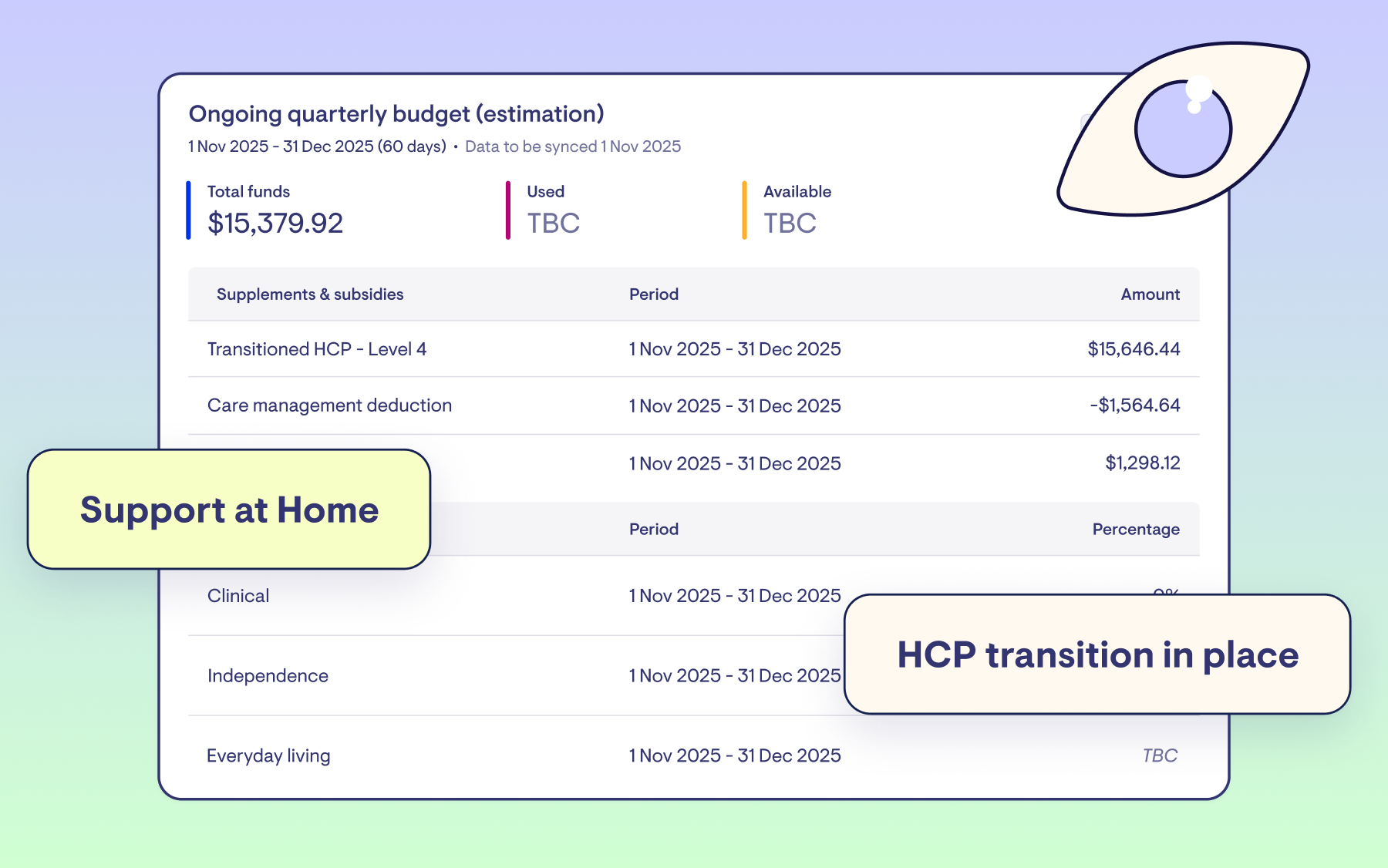
From early next year, API Claiming connects Lookout directly to Services Australia through your existing PRODA connection, with no more downloading and re-uploading files through the Aged Care Provider Portal. Claims, statuses, payments and budgets all sit in one place, and credit notes and claim adjustments come into the same view too, so retrospective changes are easier to trace.
Read more → Ready for October 1 and beyond: Financial updates coming to Lookout
Questions about your claiming setup?
If you've got questions about your claiming setup, start with our knowledge base.
Still have questions? Reach out to Support.